10 Advanced Tips to Get More Views on Your eBay Listings (Follow-Up Q&A)
Discover 10 advanced tips to get more views on your eBay listings in 2025. Based on real seller questions, this follow-up guide covers impressions, CTR, item specifics, pricing strategy, Cassini behavior, and more.

Updated Oct 27, 2025
|David Green
Get the right Tips for more listing exposure on eBay.
A Seller-to-Seller Deep Dive Based on Your Most Common Questions
After publishing our original guide, How to Get More People to View Your eBay Listing, we heard from sellers in every industry asking for more. More tactics. More clarity. More real-world data.
This follow-up answers the 10 most common questions we received, digging deeper into timing, title strategy, conversion signals, and Cassini behavior. If you’re a serious seller trying to stay competitive in 2025, this is for you.
Each answer comes from data, hands-on testing, and what we’ve seen working across thousands of listings managed through MyListerHub.
1. How often should I update my titles or item specifics?
The right time to revise a listing depends on several factors, like your item type, how quickly it sells, and your sales volume.
On average, you should review and consider modifying listings every 60–90 days. But that’s just a rule of thumb. If you're listing high-velocity items (like iPhone cases or everyday electronics), a 40 to 60-day refresh may be better. For slow movers (like high-end watches, industrial tools, or custom jewelry), the 90-day window is ideal.
Example:
- A $29.99 screen protector sells within 3–5 days. If it stops selling after 40 days, it's likely gone stale.
- A $3,000 custom engagement ring may take 60–120 days to move. Frequent edits could do more harm than good.
Here's how to decide when to revise:
- Decrease in impressions, CTR, or conversions? Time to act.
- Getting high impressions, low CTR? Improve your title, thumbnail, or price.
- High CTR, no sales? Focus on description quality, shipping, and return terms.
- Multiple-quantity listings with good sales? Tweak carefully, maybe just improve images or add specific item specifics.
Even if you don’t revise, staying active is critical. eBay sees revision activity as a sign of professionalism and engagement; it keeps your store fresh.
How MyListerHub Helps:
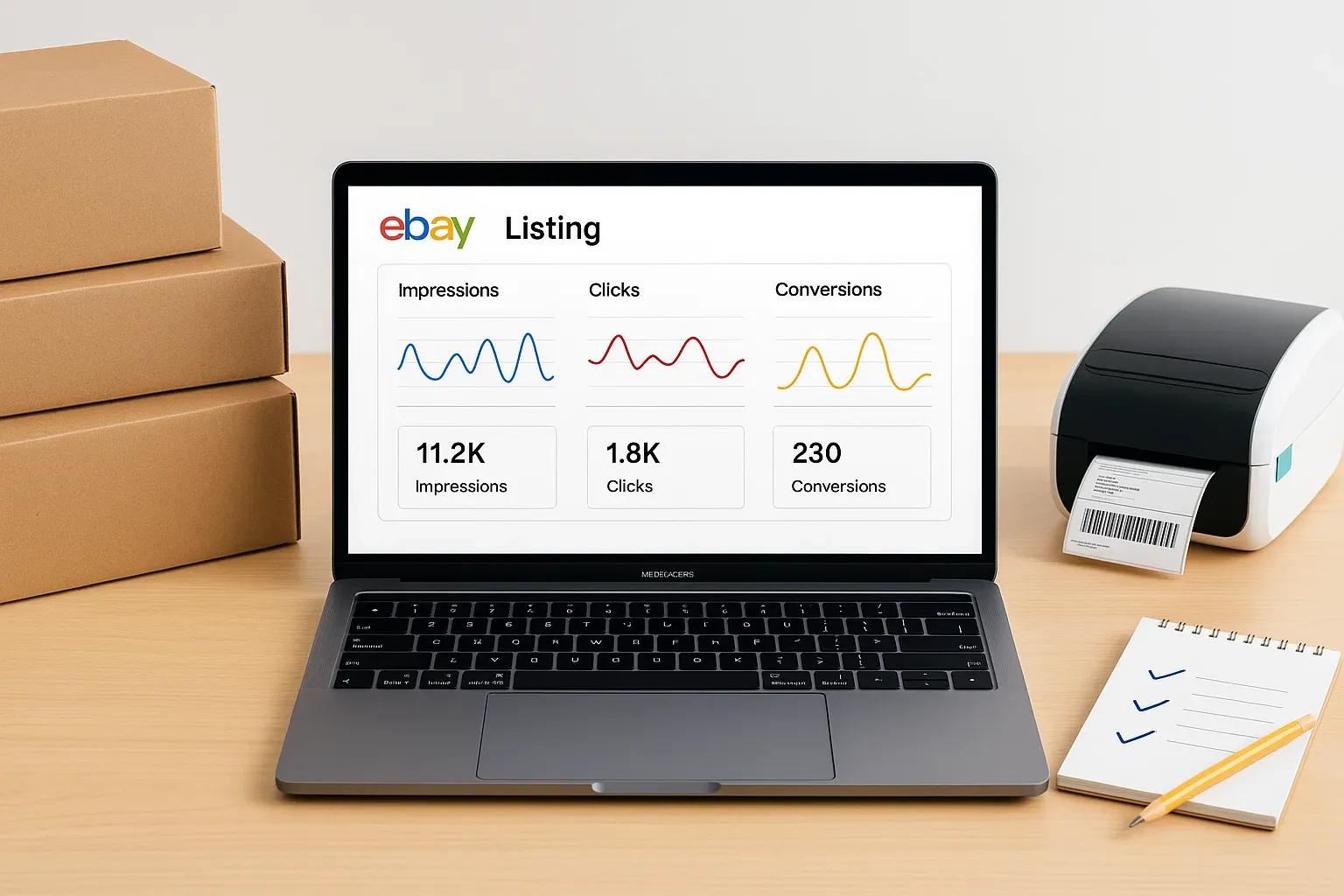
MyListerHub tracks impressions, CTR, conversion rate, and last-revision date for every item in your store. You’ll know exactly when a listing’s performance starts slipping, and which edits helped. It also tracks how many offers or messages came in after a revision so that you can compare versions.
If your item hasn’t sold in months, consider ending the listing and relaunching it via Sell Similar. Yes, you’ll lose watchers and old sales data, but if that data isn’t helping you convert, there’s no value in keeping it.
Automate It:
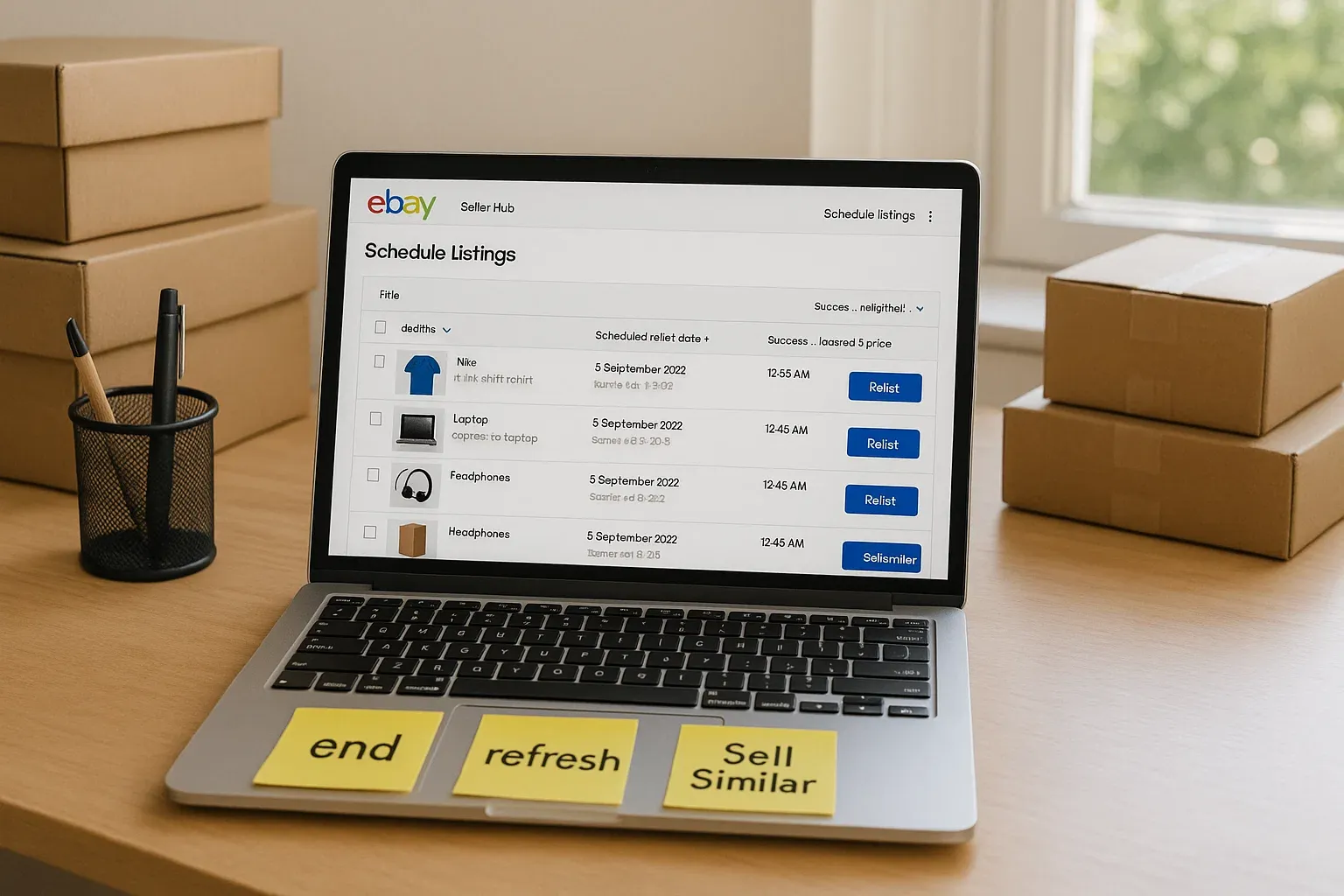
MyListerHub’s Auto-Relaunch feature ends and re-lists stale items on your schedule (e.g., every 45 or 90 days). It creates a fresh eBay item ID and reindexes the product with updated metadata, which Cassini treats as “new.”
To follow a step-by-step playbook for automated refresh cycles, see How to Use eBay Automation to Refresh Old Listings and Increase Sales
2. Can I bulk edit item specifics and titles without hurting SEO?
Yes, but do it smartly.
Adding new item specifics is almost always a good idea, especially if those specifics are relevant, accurate, and help you rank for long-tail search terms. But changing a high-performing title or a listing that’s converting well can backfire. That’s why we follow the rule: “If it ain’t broke, don’t fix it.”
Instead, use A/B testing:
- Duplicate the listing, but give it a different title, specifics, and photos.
- Adjust pricing slightly (even $1–2), and change shipping or return terms if you want to test buyer behavior.
- If you have multiple eBay stores, publish the alternate version in your secondary account to avoid duplicate penalties.
This way, you compare impressions, CTR, and conversions side-by-side, without risking your best-performing version.
How MyListerHub Helps:
Our bulk editor lets you revise titles, item specifics, prices, and policies across hundreds of listings in minutes, without downloading CSVs or risking formatting errors. It also lets you track which edits triggered improvements.
Pro Tip:
When testing duplicate listings, always vary at least 3 things (title structure, image angle, return policy). Otherwise, you won’t get meaningful insights from the comparison.
3. How Important Are Item Specifics, and When Should I Add More?
Item specifics aren’t just optional metadata; they’re one of the most important signals in eBay’s search engine (Cassini) and filtered search visibility. They determine whether your listing appears in narrowed search results and whether buyers even see your item when they apply filters like size, material, color, or product type.
eBay has publicly stated that listings with complete and relevant item specifics receive significantly more impressions than those without, sometimes up to 40% more visibility.
Why They Matter:
- Filtered Search Visibility: Over 60% of buyers use filters after searching. If your item doesn’t match those filters, it disappears from view.
- Cassini Relevance Boost: eBay uses item specifics as part of its algorithm to understand what you're selling and match it to buyer intent.
- Mobile Shopping Experience: On mobile, where title space is limited, item specifics often show first. That’s where buyers check brand, size, and condition at a glance.
When Should You Add or Modify Item Specifics?
Timing matters, and over-editing the wrong listing can backfire. Here’s how to do it smartly:
Add or revise item specifics when:
- Your listing has low impressions or poor CTR, and you haven’t completed all “Required” and “Recommended” fields
- You're missing critical specs buyers use to filter (like shoe size, watch case size, gemstone clarity, etc.).
- Your competitors show up in search filters, and you don’t
- You’re refreshing an old listing (60–90+ days unsold)
- You’re cloning a listing to test a new variation (different keywords in custom fields)
Be careful when modifying specifics if:
- The item has strong sales or a high conversion rate, changing core fields can reset visibility or confuse returning buyers
- Your item is already ranking well in search filters
- You rely on variations (changing specs may break the variation structure or cause eBay to delist them)
Pro Tip: If your listing is performing well but you want to test different item specifics or keywords, don’t edit the original. Instead, use Sell Similar or list it under a secondary account, so you can run a true A/B test without risking your top-performing listing.
What Should You Add?
- All Required and Recommended fields (these impact your search exposure the most)
- High-relevance Custom Item Specifics that include long-tail keywords not found in standard fields
Example:
For a jewelry listing:
- Standard Specifics:
- Metal: 14K Yellow Gold
- Gemstone: Natural Diamond
- Main Stone Shape: Round
- Ring Size: 7
- Custom Item Specifics (you add these):
- Ring Style: Art Deco Engagement Ring
- Ring Metal: Solid 14k Gold
- Setting Style: Pavé Setting Ring
Custom fields let you speak directly to buyer intent and make your listing match more niche searches.
Automating This Process
If you have hundreds or thousands of listings, filling in or revising item specifics manually is a nightmare. Some sellers use AI autofill tools, but beware: these systems can guess wrong or make assumptions, especially if your title or category is vague.
MyListerHub helps here by:
- Showing you which listings are missing required/recommended item specifics
- Letting you bulk-edit specifics in seconds
- Highlighting which changes affected CTR, sales, or buyer messages
If you want AI to draft item specifics from images and speed up edits, take a look at Cavio AI: The Future of eBay Listing Automation
4. Is There a Right Time to List or Revise Items?
Yes, and it's not just about timing. It's about listing schedule flow, the pattern, and frequency of your listing updates, which directly influence how Cassini perceives your store.
Many sellers fall into the trap of refreshing all their listings at once, either when they notice a sharp drop in views or when they finally have time. Unfortunately, this kind of bulk change can trigger eBay’s systems (and Cassini) to deprioritize your listings temporarily.
Cassini favors sellers who look like they’re running an active, engaged business, not dumping products all at once and going quiet. A steady flow of new listings signals consistency, which is a key trust factor in eBay’s ranking system.
Here’s How to Do It Right:
- Avoid Batch Uploads
Don’t upload 100+ items in a single sitting if you don’t plan to list again for weeks. Instead, drip out listings gradually, for example, 10–20 per day. MyListerHub's listing scheduler lets you space listings every 20–30 minutes to simulate natural seller activity.
- Refresh Old Listings at Intervals
Revise every 60–90 days depending on item type, sales velocity, and performance data. MyListerHub shows the last revision date and tracks what changed so you can stay proactive.
- Don’t Wait for a Flatline
- If Impressions drop: Time to revise item specifics, title, and category placement.
- If CTR drops: Optimize pricing, images, and thumbnail visibility.
- If Conversions drop: Refresh descriptions, return/shipping policies, and consider updating your HTML template, adding a logo, and sending out coupons. These small changes signal activity and rebuild trust with hesitant buyers.
Pro Tip: Build a 4-week rolling update calendar. Group listings into batches and make one type of change per week, e.g., Week 1: price adjustments; Week 2: photo updates; Week 3: description tuning; Week 4: sell similar refresh.
MyListerHub lets you upload in bulk and then automatically schedules each listing to go live every X minutes or hours. One seller set listings to go live every 20 minutes over a week and saw a 200% improvement in visibility compared to those who bulk-dumped.
5. How Much Activity Is “Enough” to Keep Cassini Happy?
This is one of the most common questions we get, and it varies by seller size, category, and listing volume. That said, daily or near-daily activity is ideal.
Here’s what counts as “activity” in Cassini’s eyes:
- Listing or relisting items
- Sending offers to watchers
- Revising titles or item specifics
- Updating prices, shipping terms, or return policies
- Uploading new photos
- Responding to messages quickly
Even small changes matter. If you're managing hundreds or thousands of SKUs, these micro-actions build momentum, and Cassini rewards momentum.
How to Stay Active Without Burnout:
You don’t need to manually tweak every listing daily. That’s where automation makes the difference.
With MyListerHub, you can:
- Track how long it’s been since an item was revised
- See listing-level data: impressions, CTR, conversions
- Automatically end and relist stale items based on rules
- Schedule uploads in intervals that mimic human behavior
Pro Tip:
If you notice impressions are going up after each revision but conversions are still low, don’t keep tweaking the same listing. Look at your price, shipping cost, feedback, and return policy; these often block conversions even if visibility is strong.
To build a weekly activity plan and automate the busywork, this guide breaks it down: The Best Automation Strategies for eBay Sellers in 2024
6. Why Am I Getting Impressions but No Clicks or Sales?
You’re showing up, but buyers aren’t clicking. Or they’re clicking, but not buying. That disconnect is a major signal to eBay’s algorithm that something’s not working, and it can quickly drag down your visibility.
Let’s break it down:
- Impressions = Visibility in search results
- Click-Through Rate (CTR) = Interest
- Conversion Rate = Trust + Value
If impressions are high but CTR is low, you’re catching attention but not enough to get clicks.
If CTR is good but conversions are weak, you’re losing them at the finish line.
Common CTR Killers:
- Price appears too high vs. competitors
- Unclear or cluttered thumbnail image
- Weak or vague title
- No visible discount or value-add (like free shipping or coupon badge)
Common Conversion Killers:
- Unclear or short description
- Poor or low-effort photos
- Untrustworthy policies (no returns, slow handling, high shipping)
- Bad feedback or no Top Rated badge
- Shipping costs that surprise buyers at checkout
Pro Tip: eBay makes money when your item sells, not when it’s viewed. If people are seeing your item but not buying it, Cassini will suppress it. The more your listing converts, the more it gets pushed up.
7. What’s a “Good” CTR or Impression Count on eBay?
The short answer: It depends on your category, pricing, and store size. But here’s what we’ve learned after analyzing tens of thousands of listings:
Use this as a reference; if you’re below average and you have few clicks, it’s time to revise your title, images, or listing frequency.
Impressions Benchmarks (U.S. Market, 2025):
| Category | Low Impressions (per 30 days) | Avg. Impressions | High Impressions |
| Jewelry | <2,000 | 3,000–7,000 | 10,000+ |
| Collectibles | <1,000 | 2,000–4,000 | 6,000+ |
| Auto Parts | <5,000 | 8,000–12,000 | 15,000+ |
| Electronics | <3,000 | 5,000–8,000 | 10,000+ |
| Clothing & Apparel | <1,500 | 2,000–5,000 | 8,000+ |
CTR Benchmarks (Click-Through Rate):
| Performance Tier | CTR Range | Meaning |
| Strong | 1.5% – 3%+ | High engagement |
| Healthy | 0.7% – 1.5% | Solid, especially in competitive niches |
| Weak | 0.2% – 0.6% | Needs improvement |
| Critical | Below 0.2% | Listing is being ignored |
Pro Tip: Instead of guessing, check your eBay Traffic Report. Sort by lowest CTR and impressions to identify your weakest listings.
If a listing has:
- High impressions + low CTR = Fix your price, image, and title
- High CTR + no sales = Fix your description, shipping, and return policy
- Low everything = Time to relist or run a promotion
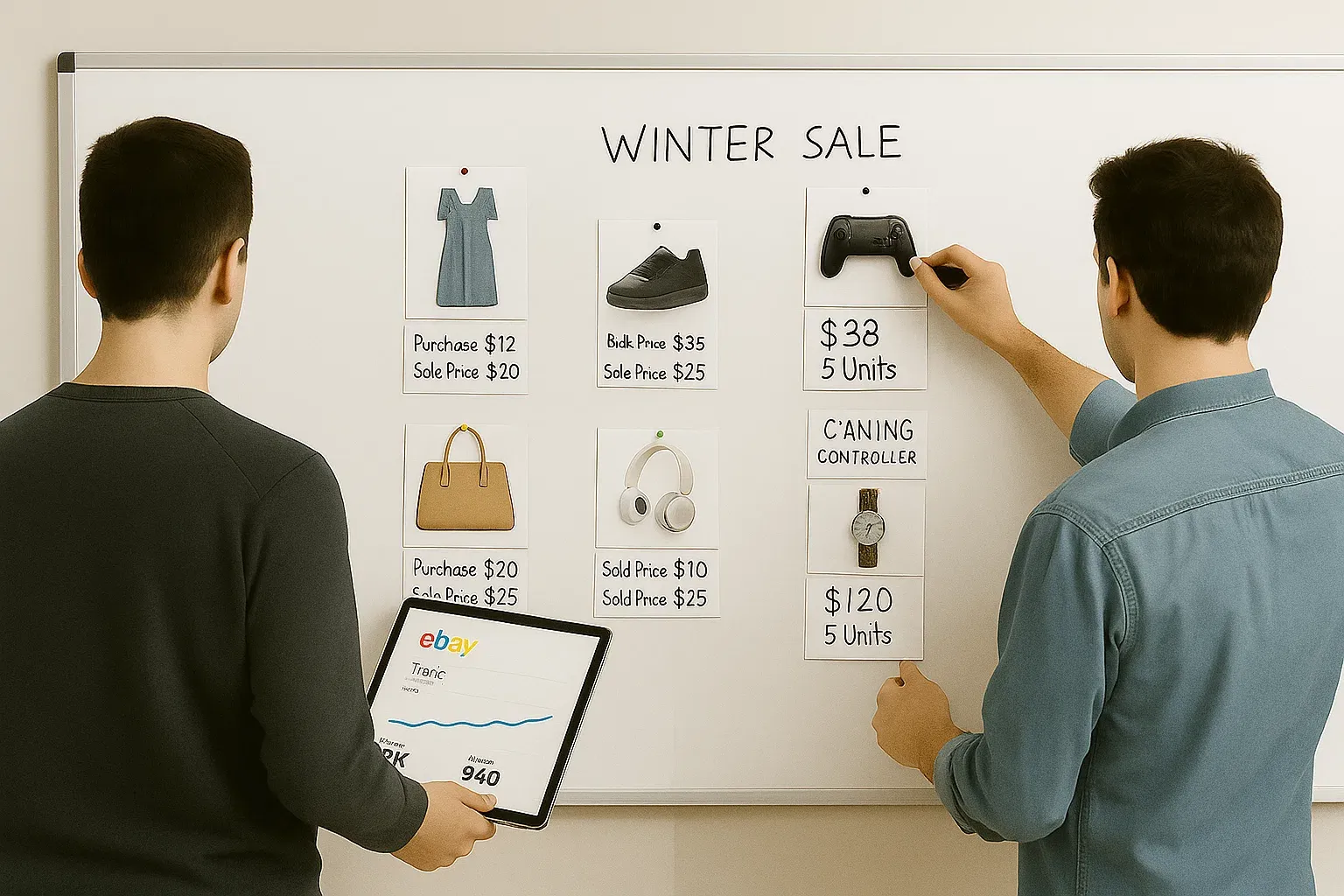
To turn healthy CTR into purchases with rule-based price tests, read How to Price Your eBay Listings for Profit and When to Adjust
8. How Do I Know If It’s My Price That’s the Problem?
Pricing is one of the most common, and often least tested, levers in a seller’s toolbox.
If your listing is getting impressions but not many clicks or conversions, your price may be:
- Too high compared to similar items
- Not competitive enough to justify weaker policies
- Missing value signals (free shipping, bundle, coupon)
How to Test Price the Smart Way:
- Use Terapeak or Sold Listings: Check the price range for your exact item (same condition, brand, size).
- Run A/B Tests: Create two variations with slightly different prices. See which one performs better.
- Look at Conversion Trends: If dropping your price by 5% suddenly increases conversion by 50%, the answer is clear.
Pro Tip: Sometimes a small price drop (like $2–$3) can make a massive difference, especially if it bumps you under a psychological threshold like $49.99 or $99.99. Also, don’t list at $51.00 when $49.99 or $49.95 performs better.
Also Consider:
- Is your shipping cost too high? Try offering free shipping and baking it into your price.
- Are you Top Rated? Buyers will pay slightly more for that badge.
- Do you offer returns? No returns = buyer hesitation = price pressure.
9. Does My Feedback Score and Seller Rating Affect My Visibility?
Yes, your seller performance matters more than most people think. While your feedback score alone doesn’t directly push you up the rankings, your Top Rated Seller status, handling time, defect rate, and buyer satisfaction metrics absolutely do. Cassini wants to send traffic to listings that convert, and conversion happens more when buyers trust the seller.
What Buyers Actually Look At:
- Your feedback score (including % positive and total number)
- You account age
- Your Top Rated Seller badge (or lack of it)
- Whether you offer returns or fast shipping
- Recent reviews and past transaction comments
- Your product detail quality (images, title, and shipping speed)
Buyers will often skip your listing, even if it’s cheaper, if they see:
- Limited or no return policy
- Long handling times
- A “Just Started Selling” badge with low feedback
- Bad reviews related to shipping or “item not as described”
A strong feedback score alone won’t fix a poor listing, but it does reduce buyer hesitation. Aim for at least 99% positive with 100+ feedback before targeting higher-ticket items.
How Feedback & Seller Rating Impacts the Algorithm:
- High return rates, low feedback, and buyer disputes signal that you're a risky seller.
- Cases closed without seller resolution, even one or two, can knock you out of Top Rated status.
- eBay uses seller trust indicators in tandem with your conversion rate to decide how often, and where, to show your listings.
What You Can Do:
- Request feedback from happy buyers. A quick message post-sale can increase feedback volume.
- Address negative reviews quickly. Offer resolution or partial refunds if needed.
- Report extortion or unfair cases to eBay Seller Support. Don’t let fake negatives slide.
- Appeal resolved cases if the buyer was in the wrong. These can be removed from your record.
Tips to Stay Top Rated:
- Timely Shipping: Keep the late shipment rate below 3%. eBay wants buyers to get their items on time, and they reward you for doing so. If you’re not 100% sure you can ship the same day, add a buffer. Overpromising and underdelivering will tank your seller metrics.
- Hit That Volume: If you’re struggling to meet the 100-transaction requirement, take a strategic route. Some sellers list low-cost, fast-selling items like screen protectors, cables, or stickers just to hit volume, even at break-even or a slight loss. It’s a cost of doing business if the end goal is unlocking Top Rated Seller status.
- Appeal Unfair Cases: Don’t just accept it when a buyer opens a case. If you have proof, like tracking or message history, appeal it. Many sellers don’t realize they can win back their metrics.
- Don’t Let Feedback Slide: If you receive negative or neutral feedback, don’t ignore it. Politely reach out to the buyer to resolve the issue. If you suspect abuse or extortion, escalate it to eBay support immediately.
- Order Defect Rate: Make sure your listing description is accurate and keep the order defect rate below 0.5%. This includes returns for items not as described and transaction cancellations. Accuracy matters.
- Cases Closed Without Seller Resolution: Stay under 0.3%. This means solving issues before eBay steps in. Think of it as proof of strong customer service.
- Tracking Upload: Upload tracking info within your stated handling time for at least 95% of orders. Buyers and eBay both care about shipping transparency.
10. How Important Is Branding on eBay?
Branding is no longer optional, even on eBay. With so many sellers offering similar products, your brand identity is often what sets you apart. A buyer searching for a necklace, a set of brake pads, or a collectible action figure is more likely to convert with a seller who looks trustworthy and established.
Why Branding Matters:
- Buyers Google your store name. If they find a matching website, reviews, and social presence, it builds confidence.
- Consistent logos, tone, and presentation increase your perceived value, even for low-ticket items.
- Branding makes it easier for repeat customers to find you again.
What Consistent Branding Looks Like:
- Matching store name across all platforms (eBay, Google, social)
- A real logo (not clip art or text-only)
- Cohesive product image layout (e.g., consistent background, watermark, framing)
- A clean, responsive HTML template for your listings
- Clear, confident language in your descriptions and messaging
Pro Tip: Add your product category to your brand name for better SEO and buyer clarity.
Examples:
- “Bertollini Fine Jewelry”
- “Mike’s & Sons Used Auto Parts”
- “SentryTech Electronics”
- “B&E Medical Equipment”
Invest in Visual Consistency:
- Use the same color schemes, fonts, and layout style across your store and listings.
- Ask a graphic designer to create a Brand Style Guide; it’s a one-time investment that pays off in the long term.
- Can’t afford one? Use MyListerHub’s Template Wizard to modify a preset, professional eBay template that aligns with your brand without needing to code or design from scratch.
For a practical walkthrough on templates, trust builders, and branding polish, start with Optimize Your eBay Listings and Increase Your Sales with MyListerHub
Also Consider:
- Add social proof by asking buyers to leave Google Reviews or tag your brand on Instagram or TikTok.
- Use a custom HTML listing template with your logo, custom headers, and consistent styling.
- Highlight return customers with special coupons or thank-you messages that reinforce your brand voice.
Popular articles

ALL-IN-ONE
SHOULD REALLY MEAN
ALL-IN-ONE!
Orders, Offers, Messages, Chat, SMS, Listings, Inventory, AI, Automation, Syncing, Shipping, Customization, Analytics, Bookkeeping & Accounting, Template Designer, CRM, and a lot more.