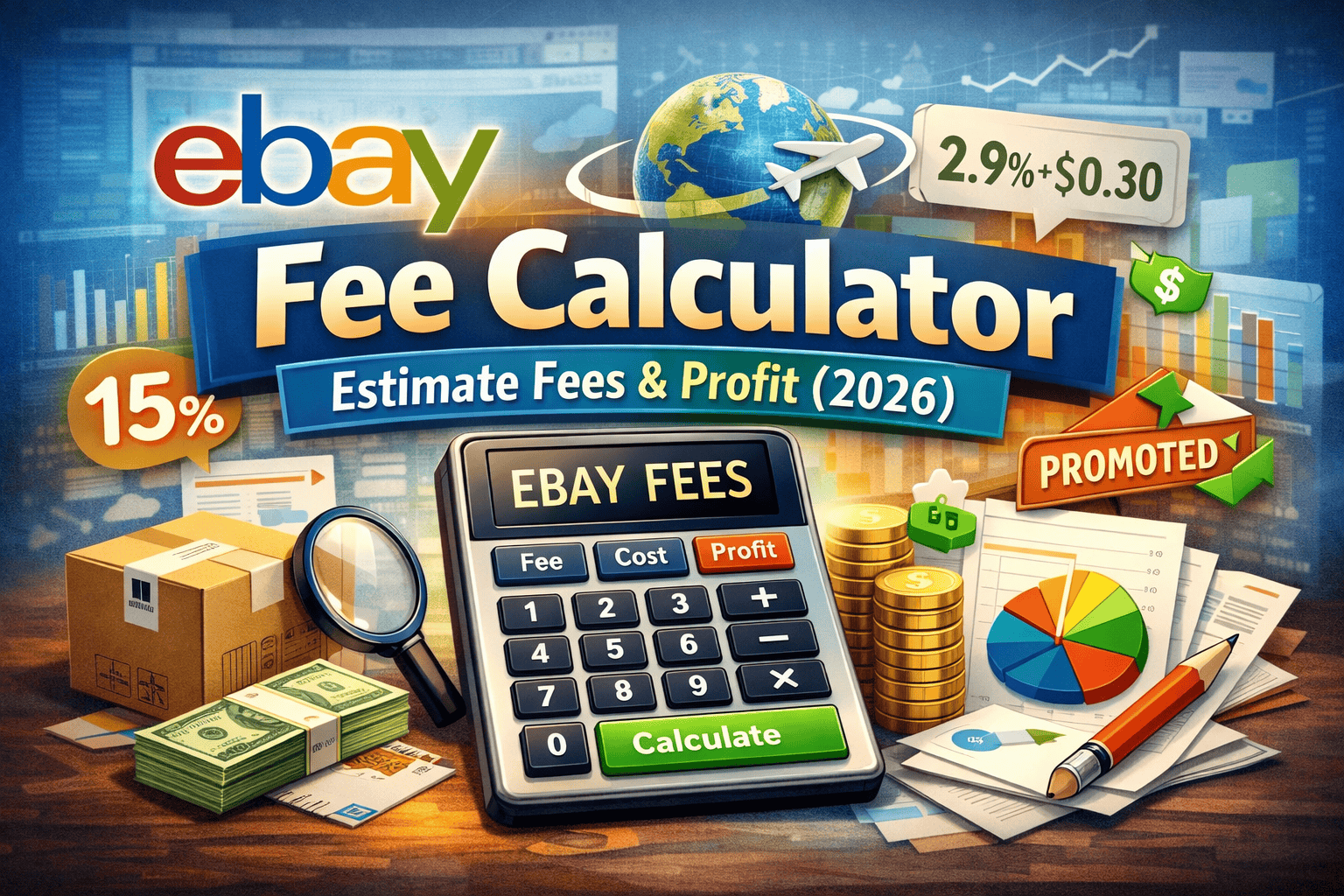
eBay Fee Calculator: Estimate Fees & Profit (2026)
Use our eBay fee calculator to calculate selling costs, fees, and true profit in 2026. Avoid losses and price smarter.

Updated Feb 12, 2026
|Omri Ross
eBay Fee Calculator 2026: Calculate Selling Fees, Costs & Real Profit
Selling on eBay in 2026 is more competitive and more data-driven than ever. Between rising shipping costs, category-specific fees, promoted listings, and eBay’s managed payments structure, many sellers struggle to answer one critical question:
How much profit am I actually making on each sale?
That’s where an accurate eBay fee calculator becomes essential.
This in-depth guide explains exactly how eBay fees work in 2026, walks through multiple fee calculation models, and shows sellers how to estimate real profit before listing. Whether you’re a casual seller, a high-volume store, or a niche reseller, this article will help you price smarter and keep more of what you earn.
Why an eBay Fee Calculator Is Essential in 2026
Many sellers still price items based on intuition or outdated fee assumptions. That’s risky.
eBay fees are no longer “simple.” In 2026, your total cost per sale can include:
- Final value fees (category-based)
- eBay managed payment processing
- Optional promoted listings
- Shipping label costs
- Refund and dispute adjustments
- International selling fees
Without calculating all of these together, sellers often overestimate profit, or worse, sell at a loss.
An accurate eBay fee calculator allows you to:
- Price items competitively without undercutting your profit
- Compare promoted vs non-promoted listings
- Identify low-margin products before listing
- Scale your eBay business with confidence
How eBay Fees Work in 2026 (Full Breakdown)
Before calculating profit, you need to understand every fee that applies to a sale.
1. Final Value Fee (FVF)
The final value fee is the largest cost for most sellers. In 2026, eBay charges this fee as a percentage of the total sale amount, including:
- Item price
- Shipping charged to the buyer
- Sales tax (in most categories)
Typical final value fees in 2026:
- Most categories: 11.5% – 15%
- Electronics & accessories: often lower
- Clothing, sneakers, collectibles: category-specific rates apply
Because this fee includes shipping and tax, many sellers underestimate its impact.
2. eBay Managed Payments Fee
eBay now processes all payments directly. This replaces PayPal and other third-party processors.
In 2026, the managed payment fee is typically:
- 2.9% of the total sale
- Plus $0.30 per transaction
This fee is charged on the same total amount as the final value fee.
3. Promoted Listings Fees (Optional but Common)
Promoted listings are no longer optional for competitive categories. If you use them, they must be included in your calculations.
Promoted listing fees are:
- A percentage of the item price only
- Charged only when the item sells
- Set by you (commonly 2%–12%)
Ignoring this fee is one of the most common profit mistakes sellers make.
4. Shipping Costs
Shipping costs vary widely but always affect profit.
Include:
- Label cost (USPS, UPS, FedEx)
- Packaging materials
- International shipping fees (if applicable)
Even when buyers pay shipping, eBay still calculates fees on that amount.
5. Refunds, Returns & Disputes
In 2026, eBay typically:
- Refunds part of the final value fee on returns
- Keeps processing fees in most cases
- May charge dispute handling fees
Smart sellers build a return allowance buffer into pricing.
eBay Fee Calculator Model #1: Basic Profit Calculation
This is the simplest and most common model.
Formula:
Sale Price
+ Shipping Charged
= Gross Sale
Gross Sale × Final Value Fee %
Gross Sale × Payment Processing %
+ $0.30 Transaction Fee
+ Shipping Cost
= Total Fees
Gross Sale – Total Fees – Cost of Item = Profit
Best for:
- Casual sellers
- One-off items
- Testing pricing quickly
eBay Fee Calculator Model #2: Promoted Listings Profit Model
This model adds promoted listing fees.
Additional calculation:
Item Price × Promotion Rate = Promotion Fee
Example:
- Item price: $100
- Promotion rate: 6%
- Promotion fee: $6
This fee is often the difference between a profitable and unprofitable listing.
eBay Fee Calculator Model #3: High-Volume Seller Model
For store owners and resellers, calculations must be tighter.
Include:
- Average return rate (example: 5%)
- Packaging cost per item
- Subscription cost (eBay store fees)
- Software tools
Adjusted profit formula:
Expected Profit × (1 – Return Rate)
– Overhead Allocation
= Net True Profit
eBay Fee Calculator Model #4: International Selling Model
International sales add:
- International transaction fees
- Currency conversion fees
- Higher shipping and return risk
These are often 1.3% – 2% extra on top of standard fees.
Sellers targeting global buyers should always use a calculator that supports this model.
Common eBay Fee Calculation Mistakes to Avoid
Many sellers lose money due to small oversights that add up fast.
Top mistakes in 2026:
- Forgetting fees apply to shipping and tax
- Ignoring promoted listing costs
- Pricing without factoring returns
- Using outdated fee percentages
- Estimating instead of calculating
An accurate eBay fee calculator eliminates guesswork entirely.
Why Manual Fee Calculations Are No Longer Enough
In 2026, eBay pricing decisions must be data-driven.
Manual spreadsheets:
- Break easily
- Use outdated rates
- Don’t adjust dynamically
- Can’t scale with inventory
Professional sellers rely on automated tools that update fees, optimize pricing, and track profit per listing.
How MyListerHub Helps Sellers Maximize Profit
MyListerHub was built specifically for modern eBay sellers who want clarity, speed, and accuracy.
With MyListerHub, sellers can:
- Calculate real eBay fees instantly
- Optimize listing prices for profit
- Adjust pricing based on competition
- Reduce low-margin listings
- Scale smarter without guesswork
Instead of reacting after a sale, sellers can predict profit before listing.
How to Use an eBay Fee Calculator Before Listing
The best time to calculate fees is before you publish a listing, not after it sells.
Best practice:
- Enter item price
- Add shipping cost
- Apply category fee
- Include promotion rate
- Subtract item cost
- Review net profit
- Adjust pricing if needed
This approach turns eBay selling into a repeatable system, not a gamble.
Frequently Asked Questions
How much does eBay charge in fees in 2026?
Most sellers pay between 13% and 17% total when combining final value fees, payment processing, and optional promotions.
Does eBay charge fees on shipping?
Yes. In 2026, eBay calculates fees on the total amount, including shipping and sales tax.
Are promoted listings worth it?
Promoted listings increase visibility but reduce margin. A calculator helps determine if the added sales justify the cost.
What is the best way to calculate eBay profit?
Use a calculator that includes category fees, processing fees, promotions, shipping, and returns.
Can I avoid eBay fees?
Fees cannot be avoided, but they can be managed and optimized with better pricing strategies.
Final Thoughts: Sell Smarter on eBay in 2026
eBay selling is no longer about guessing or copying competitor prices. It’s about understanding your numbers.
An accurate eBay fee calculator:
- Protects your margins
- Improves pricing decisions
- Prevents losses
- Helps you scale with confidence
In 2026, the sellers who win are the ones who calculate first and list second. Need Help with eBay Listing Tool?
If you want to sell smarter, price accurately, and understand your real profit, tools like MyListerHub give you the advantage modern eBay sellers need.
Popular articles


ALL-IN-ONE
SHOULD REALLY MEAN
ALL-IN-ONE!
Orders, Offers, Messages, Chat, SMS, Listings, Inventory, AI, Automation, Syncing, Shipping, Customization, Analytics, Bookkeeping & Accounting, Template Designer, CRM, and a lot more.