eBay Negative Review Removal: The Expert Seller’s Guide to Protecting Your Store in 2026
Learn when eBay removes negative feedback, how to request removal correctly, and proven strategies sellers use to protect their store and ratings in 2026.

Updated Feb 9, 2026
|Omri Ross
The Professional Seller’s Guide to eBay Negative Feedback Removal in 2026
If you’ve been selling on eBay for any amount of time, you already know one hard truth: even great sellers get negative feedback.
You can ship fast. You can pack perfectly. You can communicate clearly.
And still, one frustrated buyer, one delayed carrier scan, or one misunderstanding can lead to a damaging negative review.
That’s why understanding eBay negative review removal is one of the most important skills every serious seller must master.
In this guide, I’ll walk you through exactly how experienced sellers handle negative feedback, when removal is possible, how to increase your success rate, and how to protect your account long-term.
This isn’t theory. This is what works in real eBay selling.
Why Negative Feedback Matters More Than Most Sellers Realize
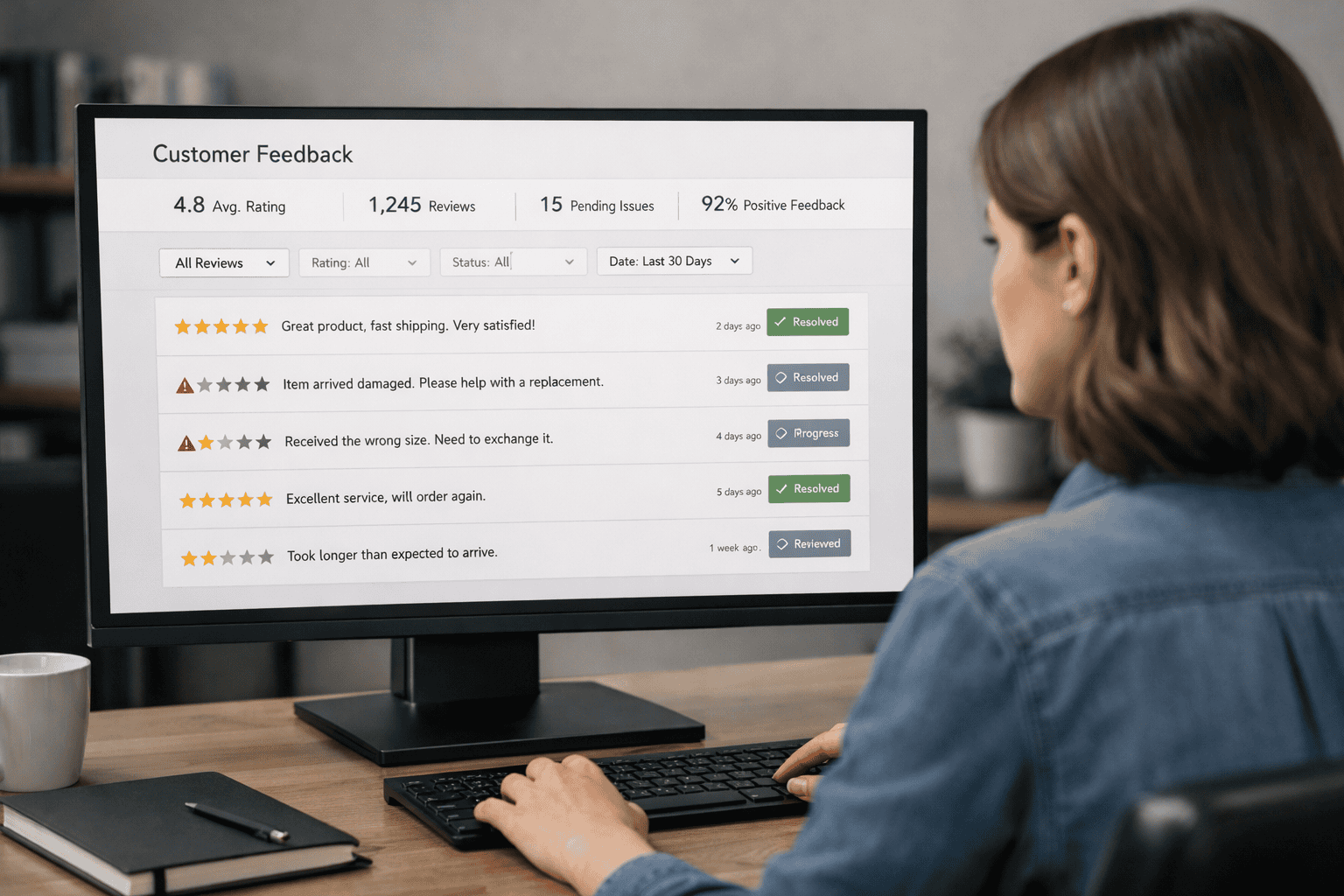
Many sellers underestimate how much damage one bad review can do. On eBay, feedback affects:
- Buyer trust
- Conversion rate
- Search visibility
- Seller standards
- Account health
- Long-term growth
When buyers see a negative comment at the top of your profile, it instantly creates doubt. Even if you have 1,000 positives and one negative, that negative is what they remember. That’s why smart sellers treat eBay negative review removal as part of their regular business process, not something they deal with only when things go wrong.
When eBay Will Remove Negative Feedback
The first thing every seller needs to understand is that eBay does not remove feedback just because it feels unfair. They remove feedback only when it clearly violates policy.
Here are the main situations where removal is possible:
Feedback Caused by Carrier Delays
If your item was shipped on time and tracking shows movement, but USPS, UPS, or FedEx delayed delivery, eBay often sides with sellers. Late delivery caused by carriers is not your fault. If a buyer leaves negative feedback because of this, it qualifies for removal.
Feedback After You Issued a Refund
If you refunded the buyer in full and they still left negative feedback, eBay usually considers that resolved. In many cases, they will remove that review.
Policy Violations and Abusive Language
Feedback containing:
- Profanity
- Threats
- Harassment
- Extortion
- Personal attacks
Violates eBay policy. These reviews are strong candidates for removal.
Feedback Left After a Case Was Closed in Your Favor
If eBay reviewed a case and ruled in your favor, any related negative feedback can often be removed. This includes:
- Item not received cases
- Return disputes
- Payment issues
When eBay already sided with you, they rarely allow negative feedback to stand.
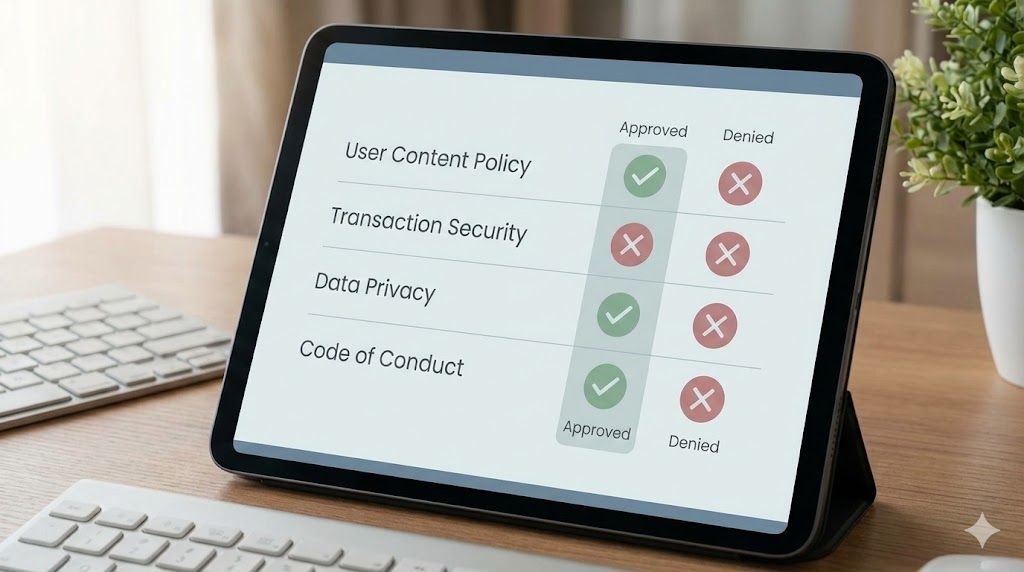
If you want to learn how to contact eBay seller support correctly and avoid wasting time with the wrong channels, check out eBay Sellers Customer Service Number: How to Contact eBay Support for Sellers 2026 Guide.
When eBay Will NOT Remove Feedback
Just as important as knowing when removal is possible is knowing when it isn’t.
eBay usually will not remove feedback if;
- The buyer received the item late, and tracking shows you shipped it late
- The item description was unclear
- The buyer misunderstood the listing
- The buyer simply didn’t like the product
- The issue was partially your responsibility
In these cases, removal is difficult.
That’s when experienced sellers switch to negotiation and reputation management instead.
How to Request eBay Negative Review Removal (The Right Way)
Many sellers fail at removal because they submit weak or emotional requests.
Professional sellers follow a process:
Step 1: Review the Feedback Carefully
Before contacting eBay, ask yourself:
- Does this violate policy?
- Do I have proof?
- Is tracking complete?
- Did I resolve the issue?
If you can’t clearly answer yes to at least one removal reason, your request will likely fail.
Step 2: Gather Evidence
Always prepare:
- Tracking screenshots
- Message history
- Refund confirmation
- Case results
- Listing screenshots
eBay agents rely on documentation. The more organized you are, the higher your approval rate.
Step 3: Submit Through Seller Help
Use:
Seller Hub → Help → Contact Us → Selling → Feedback → Remove Feedback
Never rely on automated buttons alone. Live support increases success.
Step 4: Stay Professional
Never blame the buyer. Never get emotional. Stick to facts only.
Example tone:
“I shipped on time, tracking shows delivery delay by the carrier, and the buyer was refunded. This meets removal criteria.”
This approach works.
If you want to understand the common seller mistakes that escalate disputes and lead to negative feedback, read Challenges eBay Sellers Still Face in 2025 (and Smarter Ways to Solve Them)
The Hidden Power of Feedback Revision Requests
If eBay won’t remove the review, your next option is to request a feedback revision. This allows you to ask the buyer directly to revise their feedback. Many sellers ignore this feature. That’s a mistake.
When Revision Requests Work Best
They work best when:
- You resolved the issue
- You refunded quickly
- You communicated well
- The buyer was initially upset, but reasonable
Most buyers are willing to revise if they feel respected.
How to Ask Without Sounding Desperate
Never beg. Never pressure. Use calm language.
Example:
“I’m glad we were able to resolve this. If you feel the issue is now handled, I’d appreciate if you consider revising your feedback.”
This keeps things professional.
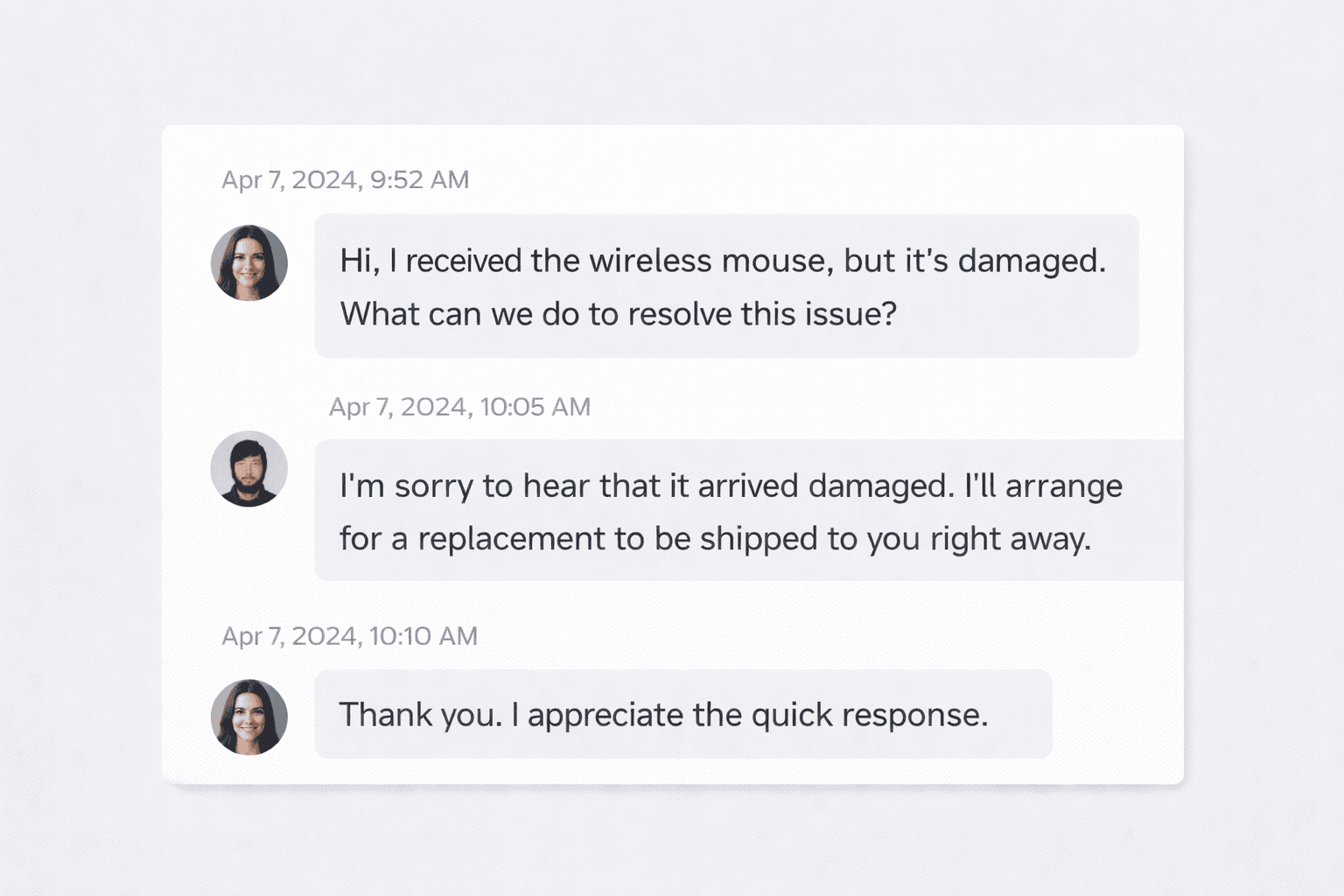
To learn how to ask buyers for feedback revisions using proven, professional messaging, check out 30 Powerful Follow-Up Message Templates That Drive More Sales on eBay.
How Experienced Sellers Prevent Negative Feedback Before It Happens
The best strategy for removing negative eBay reviews is to avoid them in the first place, and top sellers focus heavily on prevention.
Clear Listings Reduce Complaints
Most negative feedback starts with confusion. Strong listings include:
- Multiple clear photos
- Honest condition details
- Measurements
- Flaw disclosures
- Realistic shipping times
Over-describing is safer than under-describing.
Fast Communication Saves Sales
If a buyer messages you, respond quickly. Even if you don’t have an answer yet, acknowledge them. Silence creates frustration. Frustration leads to negative feedback.
Proactive Refunds Protect Ratings
If something goes wrong, refund early. Don’t argue over small amounts. Your feedback score is worth more than one sale.
How Negative Feedback Impacts eBay Search and Sales
Many sellers don’t realize this, but feedback affects more than reputation. It affects visibility. Low seller ratings can impact:
- Best Match placement
- Promoted listing performance
- Buyer trust
- Conversion rates
When buyers hesitate, they click competitors. That’s lost revenue. Consistently managing feedback is part of eBay's SEO.
Using Automation to Protect Your Reputation at Scale
As your store grows, manual feedback management becomes difficult. High-volume sellers use automation tools to:
- Track new negatives
- Monitor buyer messages
- Flag disputes early
- Identify risky orders
- Improve listing quality
This is where tools like MyListerHub help sellers stay ahead rather than react after damage is done. When you optimize listings, improve descriptions, and reduce buyer confusion, negative feedback drops naturally. That’s the long-term solution.
To learn more about reducing complaints and negative feedback through better buyer communication, check out Improve Customer Communication on eBay and Increase Your Sales with MyListerHub.
How to Respond to Negative Feedback When It Can’t Be Removed
Sometimes, removal isn’t possible. That doesn’t mean you’re stuck. Public responses still matter. A strong response can neutralize damage.
What a Good Response Does
A good response shows:
- Professionalism
- Accountability
- Resolution
- Transparency
Buyers read responses more than you think.
Example Professional Response:
“Sorry for the inconvenience. The issue was resolved, and the buyer was refunded in full. We always stand behind our service.”
Short. Calm. Professional. Never argue publicly. Never insult. Never accuse. That hurts you more than the review.
Long-Term Reputation Strategy for Serious Sellers
Top sellers treat feedback like a business asset. They build systems. They don’t improvise.
Here’s what works long-term :
- Weekly feedback monitoring
- Immediate dispute handling
- Automated listing optimization
- Consistent messaging templates
- Customer-first mindset
This approach keeps negative feedback low year after year.
Final Thoughts: Mastering eBay Negative Review Removal
If you want to grow on eBay in 2026 and beyond, you must take eBay negative review removal seriously. It’s not optional. It’s part of professional selling.
Successful sellers:
- Know when removal is possible
- Prepare strong evidence
- Use revision requests correctly
- Prevent problems early
- Protect their reputation daily
Negative feedback happens to everyone. What separates amateurs from experts is how they handle it. If you build systems, stay proactive, and use the right tools, negative reviews stop being a threat and start becoming just another manageable part of running a profitable eBay business.
Popular articles


ALL-IN-ONE
SHOULD REALLY MEAN
ALL-IN-ONE!
Orders, Offers, Messages, Chat, SMS, Listings, Inventory, AI, Automation, Syncing, Shipping, Customization, Analytics, Bookkeeping & Accounting, Template Designer, CRM, and a lot more.