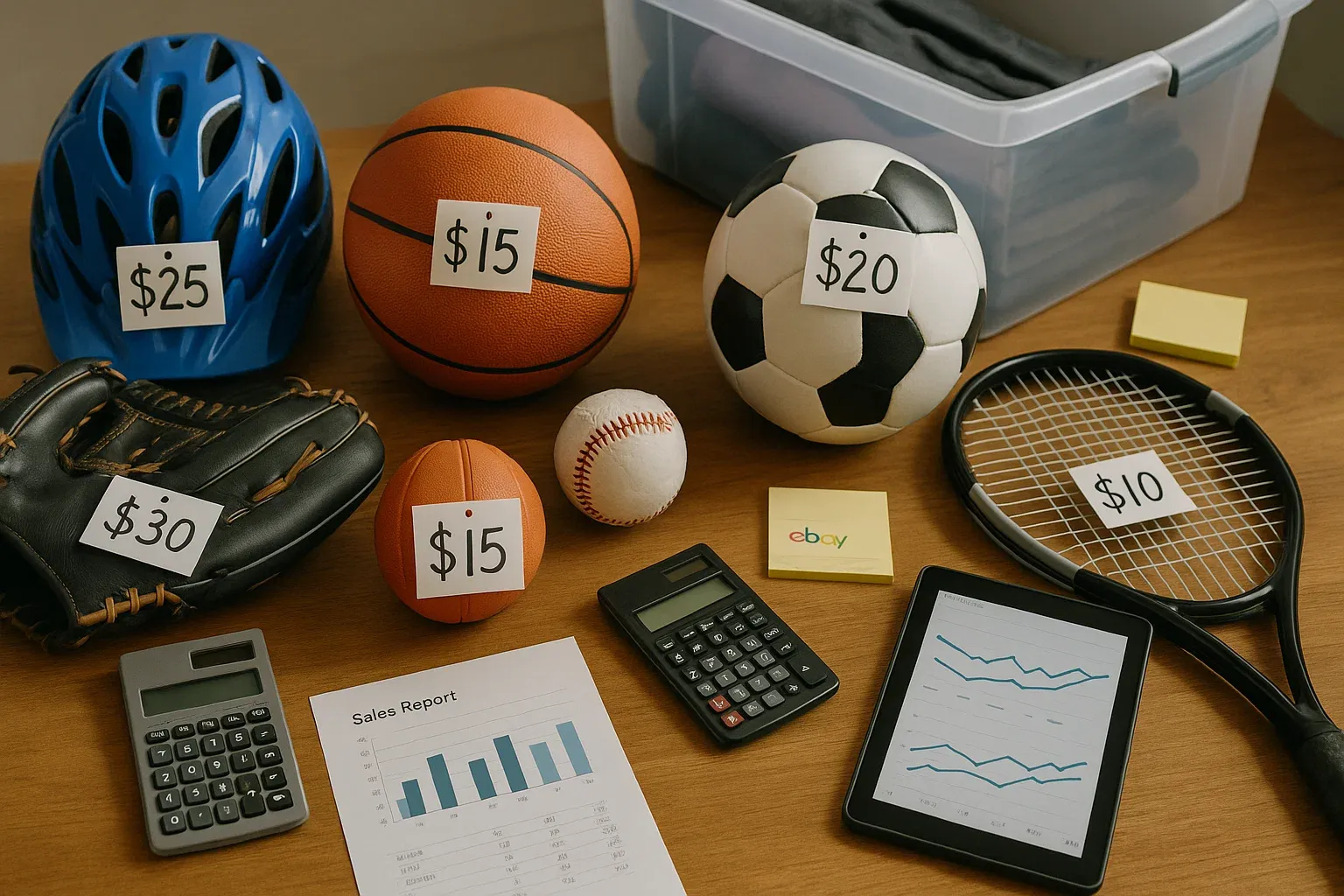
How to Price Your eBay Listings for Profit (and When to Adjust)
Learn how to price eBay listings the right way. Discover strategic timing, formulas, and automation tools to improve your eBay selling prices and increase profits without constant guesswork.

Updated Nov 7, 2025
|David Green
Mastering eBay Pricing Strategy: How to Price Listings for Maximum Profit and Visibility
In eBay selling, pricing isn't just about math; it's about strategy, timing, and staying alert to subtle shifts in buyer behavior. You can have the best item, perfect photos, and an excellent seller reputation, but if your price is off by even a few bucks, your listing could get buried.
After 20+ years of selling on eBay and working with thousands of sellers through MyListerHub, I've seen what works (and what doesn't). This guide breaks down everything you need to know about pricing your listings correctly, when to update them, and how to automate without racing to the bottom.
1. Start With a Price That Makes Sense
Your initial price sets the tone, not just for sales, but for visibility. Get it too low and you risk looking suspicious or losing money. Too high, and you'll get buried by better-positioned listings. You need to anchor your price using market reality, not just gut feeling.
Text-Based Approach:
Use these steps to establish your starting price confidently:
- Look at sold listings: Search for your item and filter by "Sold." Pay attention to the recent 30-day sales.
- Avoid the cheapest sellers: Skip junk or "free shipping from China" listings that aren't your competition.
- Consider your added value: Do you offer faster shipping? Better packaging? Higher feedback? That justifies a premium.
Formula Option:
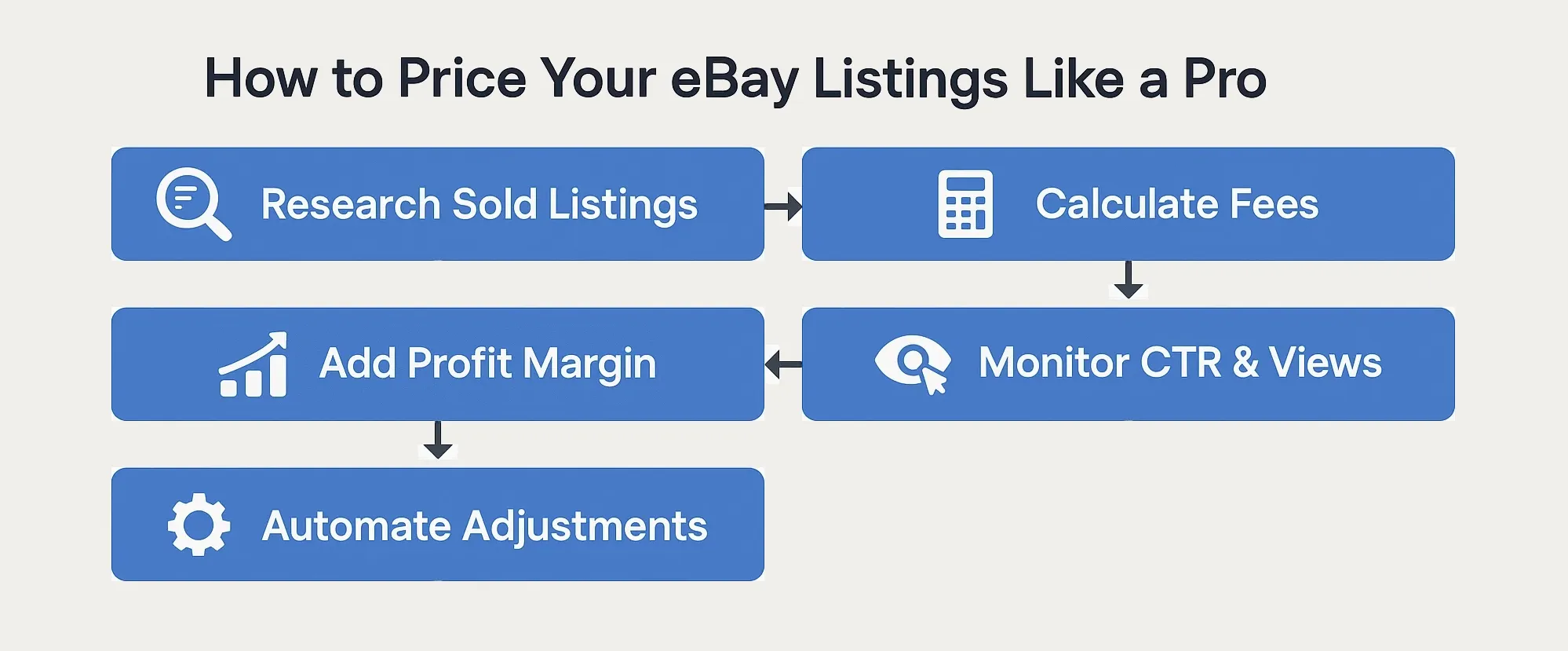
If you prefer working from the bottom up, use this formula to ensure your price covers all costs and delivers your target margin:
Your Price = (Item Cost + eBay Fees + Shipping + Buffer) ÷ (1 - Target Profit %)
Example:
- Item cost: $20
- eBay fees: 15%
- Shipping: $6
- Buffer: $1
- Target Profit: 20%
Price = ($20 + $6 + $1) ÷ (1 - 0.20) = $33.75
How should you price your eBay listings for profit?
To price your eBay listings for profit, start by researching sold listings, calculate your costs, including eBay fees and shipping, then add your desired profit margin. Use the formula: Price = (Cost + Fees + Shipping + Buffer) ÷ (1 – Target Profit %). This ensures you stay competitive while protecting your margins.

2. Know When to Adjust Prices
Even a well-researched price needs to change over time. Whether you're trying to revive a stale listing or respond to a shift in demand, timing your adjustments can give your item a second wind.
Look for these triggers:
These are the signals that it's time to revisit your pricing strategy:
- Sales have stalled (especially on items that usually move)
- Impressions or clicks are dropping (this article explains why)
- You're relisting or ending unsold items (don't reuse the old price)
- You're selling seasonal or event-based items (e.g., sports gear before playoffs, jewelry before Valentine's Day)
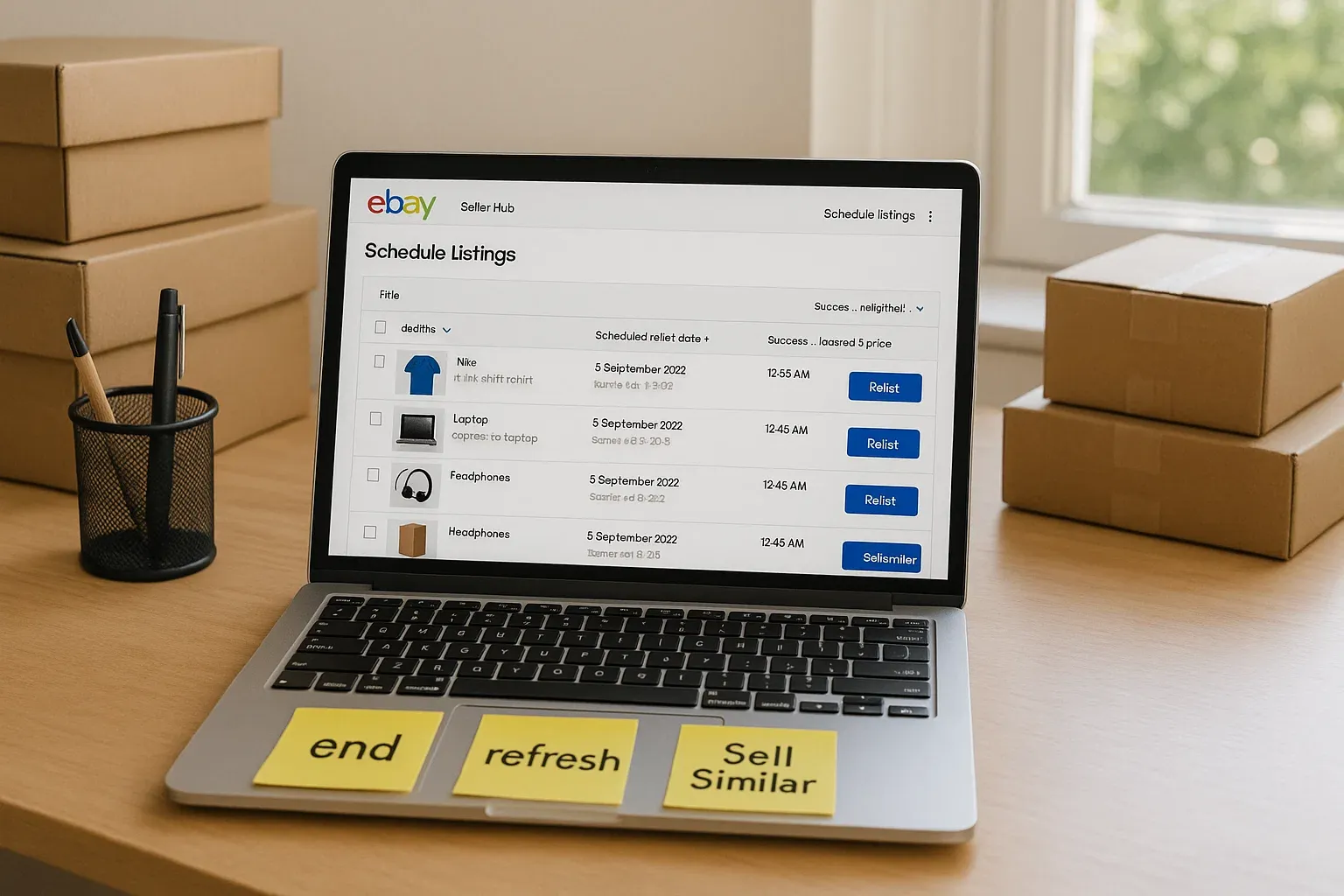
Use the "Sell Similar" option to create a fresh listing and adjust the price. This generates a new eBay item ID, which resets your listing's visibility and gives it a better chance in search results.
Yes, you'll lose your watchers and sales history, but if the item hasn't sold, how are those watchers helping you? Let's be honest: some of them are just your competition keeping tabs. And the rest? They've either lost interest or are waiting for a better price. When you relist the item, the serious buyers will see it again, this time, with stronger positioning that actually gets the sale.
If you’re focused on optimizing traffic before repricing, read 10 Advanced Tips to Get More Views on Your eBay Listings (Follow-Up Q&A)
When should you adjust your eBay prices?
Adjust your eBay prices when impressions drop, sales stall, or demand changes. Use “Sell Similar” to create a fresh listing with a new ID, update your pricing, and regain visibility without recycling underperforming listings.
3. Understand the Fees Before You Price
Before you can truly price for profit, you need to know what's coming out of every sale. eBay's fees add up fast, and if you're not calculating them correctly, you're likely eating into your margins.
The Main eBay Fees:
Here's what to factor in before deciding on your selling price:
- Final Value Fee: ~13% to 15% (including shipping, varies by category)
- Payment Processing Fee: 2.9% + $0.30 per transaction
- Ad Fees (Promoted Listings): Optional, but often 2% to 10%
- Store Subscription: Flat monthly cost (optional, but recommended)
Example (Fashion item sold at $80):
- Final value fee (13.25%): $10.60
- Payment fee: $2.62
- Ad fee (5%): $4
- Total fees: ~$17.22
- Net payout: $62.78 before shipping
Learn how to minimize fees while protecting your margins in 10 Loopholes to Pay Less in eBay Fees (Without Breaking the Rules)
4. When to Start a Sale (and for How Long)
Sales aren't just for moving stale inventory; they're tools for boosting visibility, increasing CTR, and testing price sensitivity. But like any tool, they only work if used correctly and sparingly.
Best Practices:
Use these rules to make your sales effective, not habitual:
- Start on a Wednesday or Thursday, and end Sunday night
- Use 5 to 7 day windows, not long, lazy 30-day sales
- Don't run constant sales, you'll condition buyers to wait
- Use Markdown Manager, not just price edits (this shows discounts visually)
Price Anchoring Example:
- Original: $79.99
- Sale: $59.99
- Psychological impact: Stronger than $60 → $55
Learn more about how CTR and pricing affect conversions here:
CTR + Price = Clicks and Conversions
5. Why Most Repricers Fail on eBay
Repricing software may seem like a shortcut, but most of them are built for Amazon-style marketplaces. On eBay, they often backfire either by triggering race-to-the-bottom pricing or ignoring the nuances of your listing performance.
The Problem:
Here's why most repricers don't work for serious eBay sellers:
- Most repricers blindly match or beat competitors
- This starts price wars, especially in categories like car parts or sports gear
- You might win the sale, but lose your margin (or worse, sell at a loss)
- Repricers don't consider listing age, ad performance, or conversion rates
Instead:
What you need is contextual pricing that reflects buyer behavior, not just competitor moves.
6. Categories That Need Price Attention
Some categories are more volatile or price-sensitive than others. If you're in one of these, pricing isn't a set-it-and-forget-it task; it's something you need to revisit regularly to stay competitive without hurting your brand.
Here are examples of what to watch:
- Car Parts: Buyers compare compatibility + price. Use bundles or kits to boost perceived value.
- Jewelry: Don't go too low, cheap often = fake in the buyer's mind. Price confidently with clean templates and certificates.
- Fashion: Use size or color variations to create pricing ladders. Watch trends weekly.
- Sports Gear: Seasonal shifts hit hard. Adjust pricing after playoffs, trade deadlines, or drops from star players.
7. How MyListerHub's Dynamic Pricing Helps (Without Risking Profit)
Manual pricing doesn't scale. Static pricing falls behind. Repricers are risky. This is where MyListerHub's eBay pricing tool changes the game. It gives sellers the flexibility of automation without the fear of accidental underpricing.
What It Does:
- Let's you set your minimum and maximum pricing thresholds
- Automatically adjusts prices up or down based on demand, views, or listing age
- Randomly increases or decreases pricing slightly to retest visibility
- Protects you from accidentally underpricing when relisting
"I used to reprice 50+ items every week. Now I just review my rules, and MyListerHub does the rest. It feels like having a virtual assistant with better instincts."
Try the MyListerHub automated repricing tool

See how real sellers automate their pricing with Optimize Your eBay Listings and Increase Your Sales with MyListerHub
8. Smart Pricing Increases Conversions, Not Just Sales
Lowering your price might get you a sale, but smart pricing gets you consistent, profitable conversions. There's a big difference between selling and building a repeatable system that scales.
With the right pricing automation, you can:
- Test how small price changes affect click-through rate (CTR) and conversion
- Use strategic increases when competition drops or your item gains demand
- Combine pricing with smart offers, templates, and shipping rules
Final Thoughts
You don't need to price perfectly, but you do need a system.
With the right tools and timing, pricing can stop being a stress point and start becoming a competitive edge.
- Know your break-even
- Use psychological pricing
- Watch performance signals
- Automate what doesn't need your daily attention
And when you're ready to scale, don't settle for a tool that just drops prices; use one that helps you sell smarter.
If you came here looking for eBay listing refresh strategies, check out Optimize Stale Listings on eBay: Proven Tips to Boost Sales in 2025
Popular articles


ALL-IN-ONE
SHOULD REALLY MEAN
ALL-IN-ONE!
Orders, Offers, Messages, Chat, SMS, Listings, Inventory, AI, Automation, Syncing, Shipping, Customization, Analytics, Bookkeeping & Accounting, Template Designer, CRM, and a lot more.