Zapier eBay Integration: The Complete Guide for High-Volume eBay Sellers (2026)
Automate your store with Zapier eBay integration. Learn how top sellers streamline orders, inventory, and workflows while scaling faster with powerful automation tools.

Updated Feb 18, 2026
|Omri Ross
How to Automate Your eBay Store with Zapier: A Practical Guide for Serious Sellers
If you're selling more than 50 items a month on eBay, manual workflows are quietly killing your margins. Orders stack up, inventory drifts out of sync, and repetitive admin tasks devour hours you should be spending on sourcing.
The Zapier eBay integration addresses a significant portion of that problem. By connecting eBay to the rest of your software stack through automated workflows, you eliminate data entry, reduce human error, and let your business run while you sleep. This guide covers how it works, what it can and can't do, and how professional sellers combine it with dedicated listing tools to run a fully automated eBay operation.
What Is Zapier eBay Integration?
Zapier is a no-code automation platform that connects software tools through event-driven workflows called Zaps. Each Zap monitors a trigger - something that happens in one app - and automatically fires an action in another.
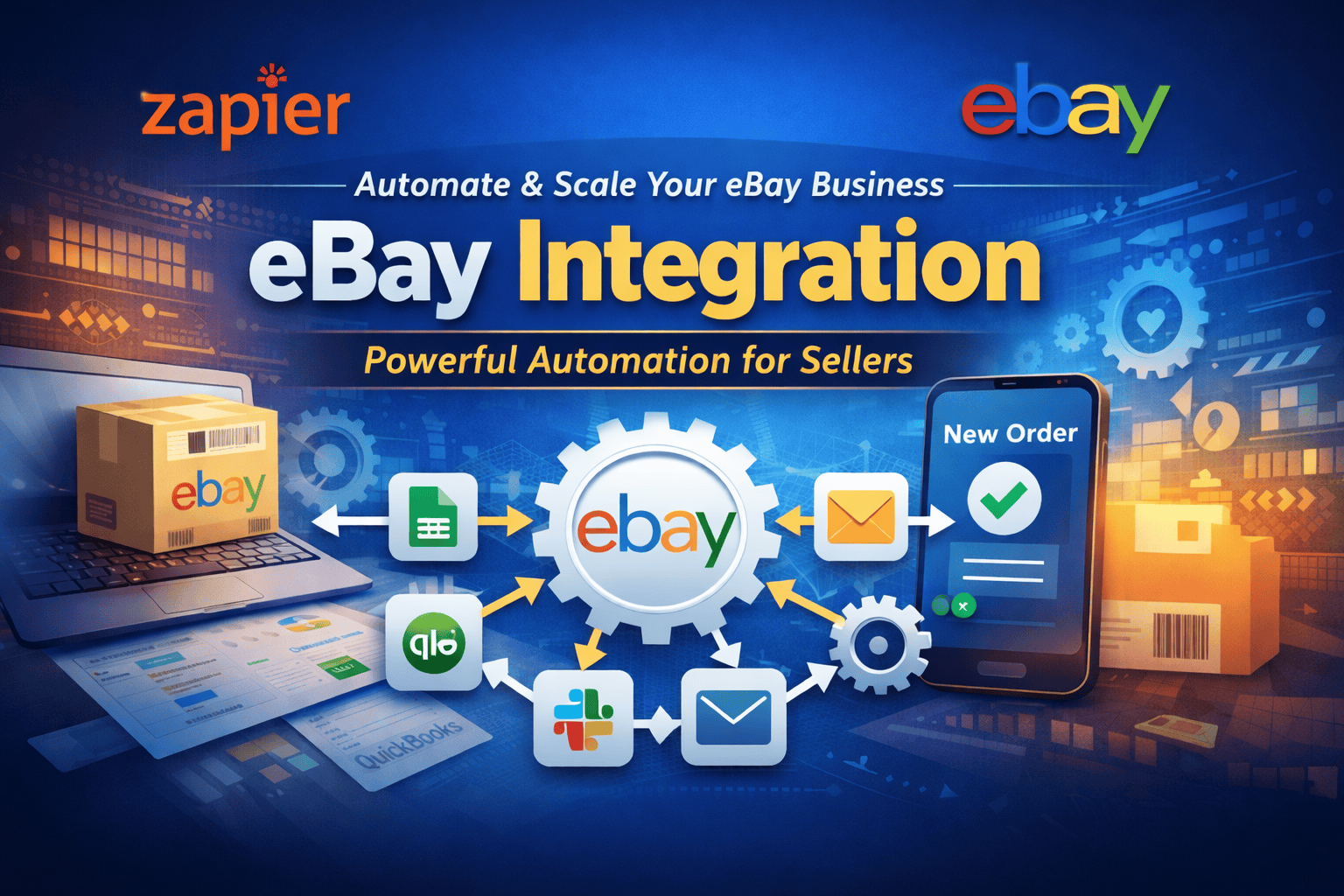
For eBay sellers, this means your store can talk directly to Google Sheets, accounting software, CRMs, shipping platforms, and communication tools without any manual copying or switching between tabs. When a buyer places an order, Zapier can simultaneously log it in your spreadsheet, notify your team in Slack, and push the data to QuickBooks, all within seconds.
How Zapier Connects to eBay
Zapier integrates with eBay through its official API, using real-time triggers tied to activity in your seller account. The most commonly used triggers among high-volume sellers are:
- New order received - fires the moment a buyer completes a purchase
- Item sold - useful for inventory and reporting workflows
- New listing created - syncs new products to external databases
- Order updated - triggers shipping and fulfillment workflows
- Buyer message received - routes customer enquiries to your support system
Once a trigger fires, you can chain it to actions across hundreds of apps, creating a backend automation layer that handles operational work automatically.
5 eBay Automation Workflows Top Sellers Use in 2026
1. Automated Order Tracking and Reporting
Every time an item sells, Zapier can log the order to a Google Sheet with full details - buyer info, SKU, sale price, and timestamp. From there, the same Zap can notify your team via Slack or Microsoft Teams so no one misses a high-value order. This replaces the manual end-of-day order review entirely.
2. Real-Time Inventory Synchronization
Overselling is one of the fastest ways to tank your eBay seller rating. Zapier can automatically decrement stock levels in your master inventory spreadsheet or database as soon as an item sells. You can also set threshold alerts: when a SKU drops below 5 units, Zapier automatically emails you or your supplier.
3. Customer Communication Workflows
Zapier can trigger follow-up sequences the moment an order is placed. Thank-you emails, post-delivery feedback requests, and shipping confirmation messages can all run automatically without you lifting a finger. Faster communication directly improves your seller feedback score.
4. Accounting and Revenue Tracking
Every sale on eBay generates a transaction that must be recorded. Zapier connects eBay directly to QuickBooks, Xero, or FreshBooks - automatically creating income entries, logging platform fees, and categorising revenue by product line. This is hours of bookkeeping work eliminated per month.
5. Multi-Platform Sync
If you sell across multiple channels, including eBay, Amazon, Etsy, and Shopify, Zapier can serve as the connective tissue. When stock sells on one platform, a Zap can update a central inventory source that feeds your other channels, reducing the risk of cross-channel overselling.
What Zapier eBay Integration Cannot Do
Zapier is a powerful backend tool, but it has real limitations that matter at scale. Understanding them upfront prevents you from building a workflow that breaks down as order volume increases.
- No listing creation or editing - Zapier cannot build, optimize, or bulk-edit eBay listings
- No eBay SEO tools - title optimisation, keyword research, and search ranking strategy are outside its scope.
- No advanced inventory management - Zapier handles triggers and data movement, not full inventory intelligence.
- Cost scales with complexity - the more Zaps you run at high volume, the more expensive your plan becomes
- Single-action logic - complex conditional workflows require workarounds or additional tools like Zapier's Paths feature.
For serious sellers, these gaps matter. Zapier is excellent at connecting systems - it is not a complete eBay management platform.
Zapier vs. Dedicated eBay Listing Platforms: Feature Comparison
Professional sellers rarely rely on Zapier alone. Here is how it compares to dedicated eBay management tools:
| Feature | Zapier | MyListerHub |
| Workflow automation . | ✅ Yes . | Limited . |
| Bulk listing management | ❌ No | ✅ Yes |
| eBay SEO optimization | ❌ No | ✅ Yes |
| Inventory tracking | ⚠️ Partial | ✅ Advanced |
| Multi-channel support | ⚠️ Limited | ✅ Full |
| Listing creation | ❌ No | ✅ Yes |
The takeaway: Zapier handles the plumbing. You still need a purpose-built platform for the work that directly impacts your listings and sales performance.
How Professional eBay Sellers Build a Complete Automation Stack
The most efficient high-volume sellers use a two-layer approach:
- A dedicated listing platform manages product creation, bulk editing, SEO-optimised titles, and inventory organization.
- Zapier handles the backend - order routing, accounting sync, team notifications, and cross-platform data movement.
This combination means every part of your eBay operation is automated. Listings go live faster and rank better. Orders are processed without manual input. Your team stays informed in real time. Bookkeeping takes care of itself.
Where MyListerHub Fits in Your eBay Automation Workflow
Zapier automates your backend. MyListerHub handles the front end - the listing work that directly determines whether buyers find your products and whether those listings convert.
Built specifically for serious eBay sellers, MyListerHub provides:
- High-speed bulk listing tools that cut listing time dramatically
- SEO optimization features to improve eBay search visibility
- Inventory organization built around how eBay sellers actually work
- Listing templates and workflows designed for scale
When used together, Zapier and MyListerHub cover every layer of your operations. You can explore MyListerHub's full feature set at mylisterhub.com/ebay.
Common Questions Sellers Ask About Zapier eBay Integration
Does Zapier work directly with eBay?
Yes. Zapier has an official eBay integration that connects via the eBay API. You can build automated workflows using real-time eBay triggers such as new orders, sold items, and listing events without writing any code.
Can Zapier automatically list items on eBay?
No. Zapier can trigger actions when listings are created, but it cannot build or publish eBay listings on its own. For automated listing creation, you need a dedicated eBay listing platform like MyListerHub.
How much does Zapier cost for eBay sellers?
Zapier offers a free plan with limited Zaps. Paid plans start at around $19.99/month and increase based on task volume and feature access. High-volume sellers running complex multi-step Zaps typically require a Professional or Team plan.
What is the best automation tool for eBay sellers?
The most effective setup combines Zapier for backend workflow automation (order tracking, accounting, notifications) with a dedicated eBay listing platform for listing creation, SEO, and inventory management. Using one without the other leaves significant gaps in your operation.
Can Zapier sync eBay inventory automatically?
Partially. Zapier can update inventory records in Google Sheets or connected databases when items sell. However, it does not provide native inventory management. For full inventory control, sellers use Zapier alongside dedicated tools.
Bottom Line
The integration for Zapier and eBay is one of the most practical investments a growing eBay seller can make, such a low-hanging fruit. It removes the operational grind, manual logging, copy-paste between systems, and communication delays, and replaces them with reliable automated workflows.
But automation alone does not make your listings rank or convert. The sellers who scale fastest combine Zapier's workflow automation with a purpose-built eBay listing platform to cover every layer of their business. That combination is where the real competitive edge is.
Popular articles


ALL-IN-ONE
SHOULD REALLY MEAN
ALL-IN-ONE!
Orders, Offers, Messages, Chat, SMS, Listings, Inventory, AI, Automation, Syncing, Shipping, Customization, Analytics, Bookkeeping & Accounting, Template Designer, CRM, and a lot more.